FrameLoom
AI Video Studio
FrameLoom is an independent AI video product that integrates Wan 2.7, Sora 2 Pro, Kling 3, and Seedance in one workflow. Write one prompt, compare model outputs side-by-side, and pick the shot language that fits your story.
FrameLoom is not affiliated with, endorsed by, or sponsored by Alibaba or other model providers.
Buy credits once and switch freely between Wan 2.7, Sora 2 Pro, Kling 3, and Seedance. No separate accounts, no dragging assets between platforms.
Use Wan 2.7 via FrameLoom's custom workflow, then compare output with other leading models. Text, image, reference, and video editing in one studio.
Curated Wan 2.7 Samples
Every clip can be used as a prompt reference. Pick a style you want to reproduce, open the studio, and recreate it.
Beginner Guide Reel
Image-to-Video Sample
Multi-Shot Story Reel
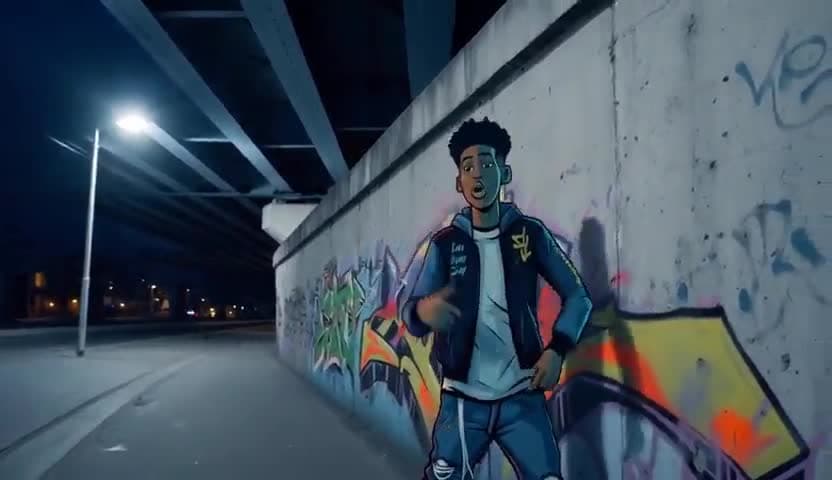
Reference Character Reel
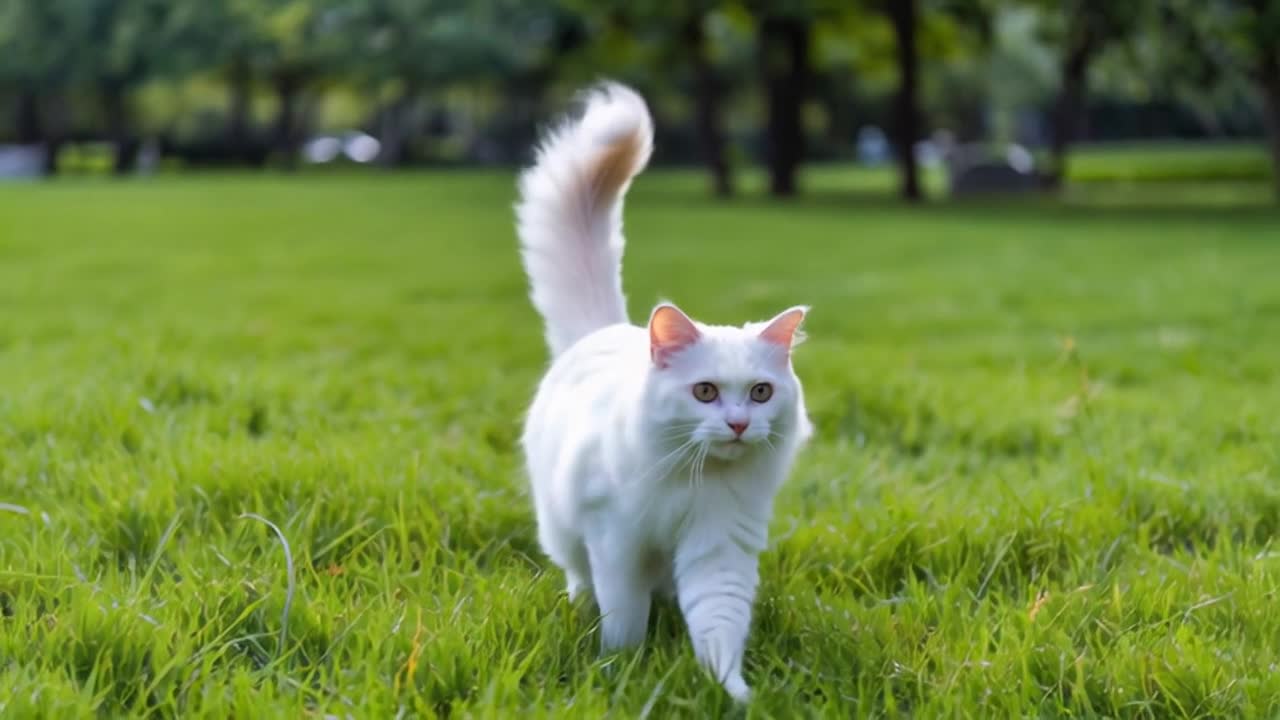
Flight Camera Demo
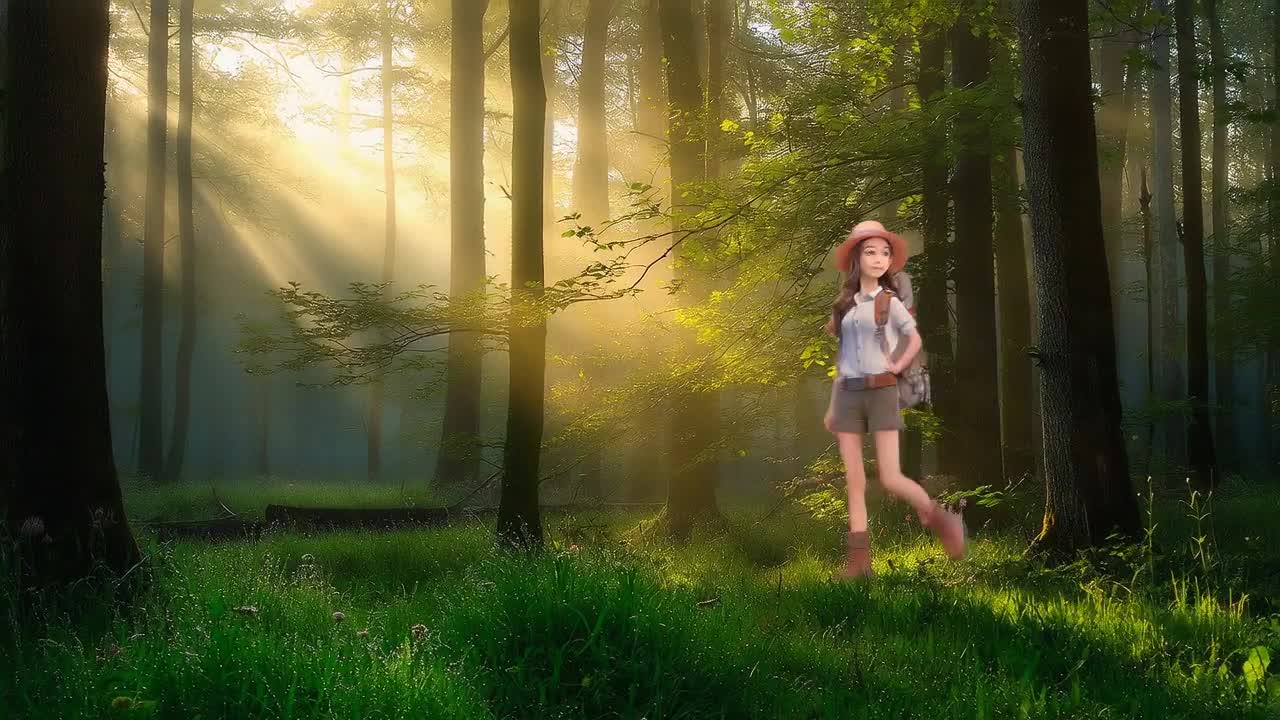
Video Transfer Sample
Why Wan 2.7 Now
Why creators are switching to Wan 2.7
Four Wan 2.7 production lines sit alongside Sora 2 Pro, Kling 3, and Seedance. One credit balance unlocks every leading video model — write one prompt and compare your way to the strongest result.
Model Hub in One Workspace
FrameLoom Studio is an independent wrapper that integrates Wan 2.7 and other leading video models behind one workflow, one queue, and one shared credit balance.
Wan 2.7 Text-to-Video
Cinematic camera language and multi-shot storytelling at 720P / 1080P, up to 15 seconds with native audio. One natural-language prompt produces a complete storyboard — ideal for ad scripts, short-film openers, and trending content.
Wan 2.7 Image-to-Video
Drive motion from a static reference while preserving first-frame fidelity, lighting, and character behavior. Posters, product shots, and character sheets can be turned directly into usable footage.
Wan 2.7 Video Editing
Instruction-level edits and style transfer on existing footage — continuation, local replacement, frame expansion, and depth-aware control. The aggregator isn't just for brand-new clips; it reshapes the footage you already have.
Wan 2.7 Reference-to-Video
Upload multiple reference images or video clips to lock character design, world style, and subject consistency. Serialized shorts, IP crossovers, and multi-shot ads all benefit from this pipeline.
Compare Multiple Models
Beyond Wan 2.7, the workspace also aggregates Sora 2 Pro, Kling 3 Omni, and Seedance 1.5 Pro. Write one prompt, then compare style, pacing, and stability across different models side by side in the same studio.
What Wan 2.7 is built for
Each card maps to a distinct Wan 2.7 capability, so the page doubles as both a sample reel and a practical selection guide for picking the right mode.

Cinematic Text-to-Video
One line of prompt, one full storyboard. For ad scripts, short-film openers, and trending ideas built from scratch, Wan 2.7 text-to-video is noticeably more consistent than typical T2V models.
First-Frame Image-to-Video
Already have a poster, character sheet, or product render? Skip describing it. Wan 2.7 image-to-video preserves the first frame's pose, materials, and lighting while adding natural motion. The fastest on-ramp for newcomers.
Character-Consistent Reference Generation
The nightmare of serialized shorts, IP accounts, and ad series is a lead character who looks different in every clip. Wan 2.7 reference-to-video locks multiple reference images at once so the character stays stable shot after shot.
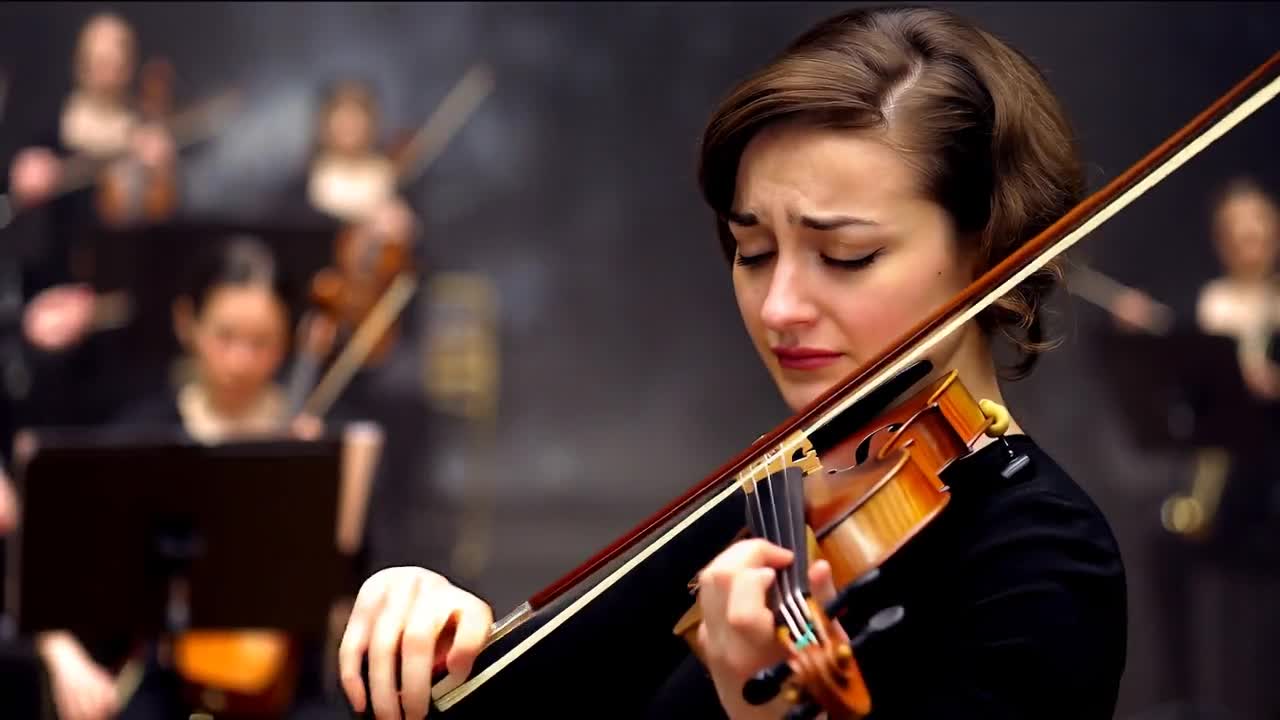
Continuation & Pickup Shots
You have half a clip and want to extend it. Upload the footage, and Wan 2.7 picks up the camera from there — perfect for serialized content, ad pickups, and repurposing existing footage.
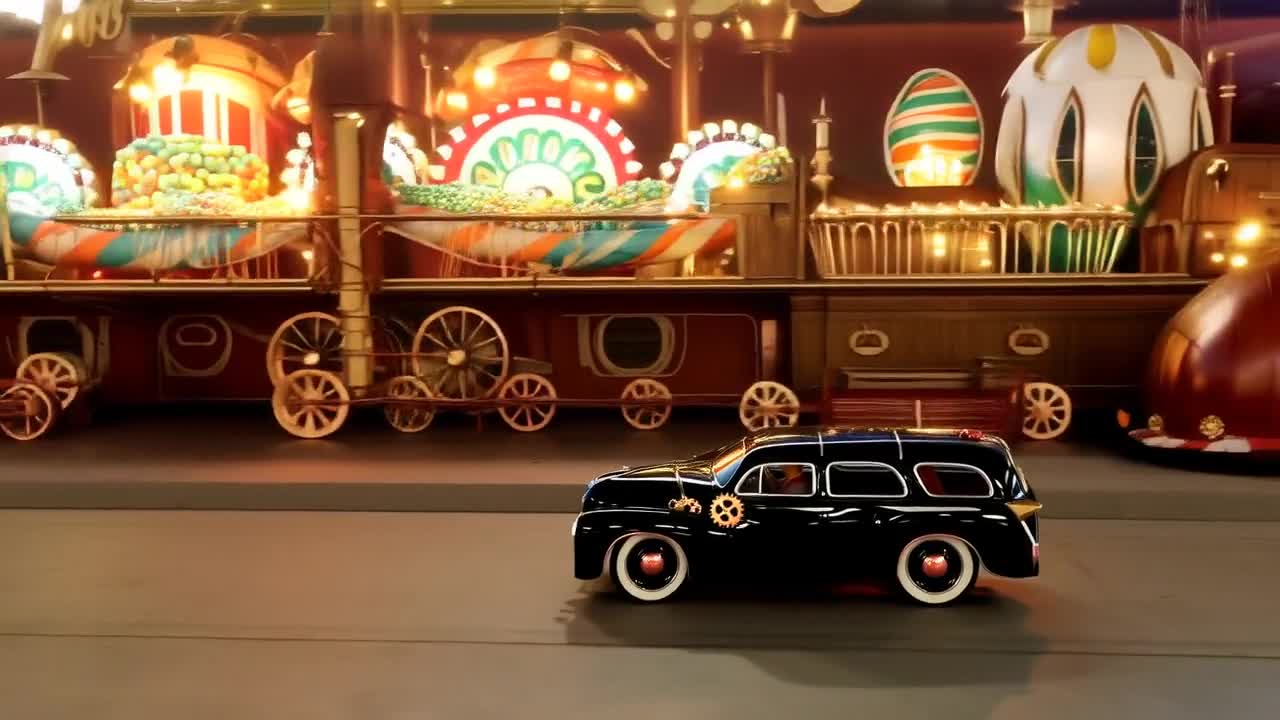
Depth Control & Scene Remixing
When spatial layers, subject relationships, and camera paths all matter, Wan 2.7's editing pipeline handles serious shot adjustment and scene redesign — not just a quick style filter.

Frame Expansion & Multi-Aspect Delivery
Expand an existing landscape or portrait clip outward so one asset covers 16:9, 9:16, and 1:1 at once — ready for feed, Reels, Shorts, TikTok, and any other social surface.
Run the Wan 2.7 aggregator in three steps
No need to register with every model vendor. From prompt to delivery, everything happens in the same studio.
Pick a Mode · Pick a Model
Choose text-to-video, image-to-video, or reference-to-video, then select Wan 2.7, Sora 2 Pro, Kling 3 Omni, or Seedance from the model picker. Switch freely inside the same workspace — no account juggling.
Write the Prompt · Upload References
Describe subject, action, camera, and pacing in natural language. Attach reference images or videos when you need them. Write the prompt once and it carries across models for side-by-side comparison.
Pay & Collect Results
One credit top-up works across every aggregated model. Hit generate and your job enters the in-app queue — results appear on the same page when ready. No tool switching required.
Aggregator Advantage
One credit balance, every leading video model
Built around Wan 2.7 and complemented by Sora 2 Pro, Kling 3 Omni, and Seedance. Compare side by side, switch freely, and finish every piece of content with the right shot language.
Start Creating Free Videos
Studio
Write prompts, upload references, pick models, and submit. Every action lives in a single workspace, with no hopping between vendors.
AI Video Workflow Library
Thirty crawlable workflow pages built from the reports keyword research, covering free, online, image-led, editing, music, and developer-intent searches.
Showcase Library
A curated library mixing Wan 2.7 public demos with real generations from inside the aggregator. Spot a style you like, then reproduce it in the studio.
Pricing & Credits
Pay-as-you-go credits shared across Wan 2.7 and every aggregated model. No subscription lock-in, only pay for what you actually generate.
Wan 2.7 Capabilities
Wan 2.7 Text-to-Video
One natural-language prompt, one complete storyboard. Cinematic storytelling at 1080P with native audio.
Wan 2.7 Image-to-Video
Drive motion from a first-frame image while preserving pose and lighting. Ideal for turning posters into moving shots.
Wan 2.7 Reference-to-Video
Lock character consistency across multiple reference images. Perfect for serialized content and IP series.
Wan 2.7 Video Editing
Use continuation, transfer, expansion, and local changes when a clip needs revision instead of a total redo.
Model Comparisons & Guides
GPT Image 2 Guide
A current guide to OpenAI's GPT Image 2, including prompting advice, workflow fit, and where it matters for creative and video teams.
GPT Image 2 vs FLUX.2
Compare the two image stacks across editing, typography-heavy creative, multi-reference control, and production fit.
What is HappyHorse?
The full story of HappyHorse, the anonymous beta codename now widely believed to be Wan 2.7. Timeline, capabilities, and where to try it.
Wan 2.7 vs Google Veo 3
Veo 3 leads on photoreal physics. HappyHorse / Wan 2.7 wins on multi-shot narrative, multi-modal inputs, and cost per clip.
Wan 2.7 vs Runway Gen-4
Runway still leads on in-app editing. HappyHorse / Wan 2.7 pulls ahead on prompt fidelity, reference-to-video, and price.
Wan 2.7 vs Kling 3
Kling 3 Omni delivers rock-solid audio sync. HappyHorse / Wan 2.7 has the edge on multi-shot storytelling and 15-second takes.
Wan 2.7 vs Luma Dream Machine
Luma is the speed king for ideation. HappyHorse / Wan 2.7 is the cinematic finisher. Use Luma to draft, Wan 2.7 to ship.
Sora 2 vs Wan 2.7
Sora 2 has shut down. See how HappyHorse / Wan 2.7 compares to the final Sora 2 on every axis that mattered.
Frequently Asked Questions
The most common questions about Wan 2.7, HappyHorse, the aggregator workflow, and how it compares to other models — answered in one place.
One workspace for every leading video model
FrameLoom is an independent studio that integrates Wan 2.7's text, image, reference, and editing workflows, plus Sora 2 Pro, Kling 3, and Seedance. One top-up, instant switching.
Open Studio